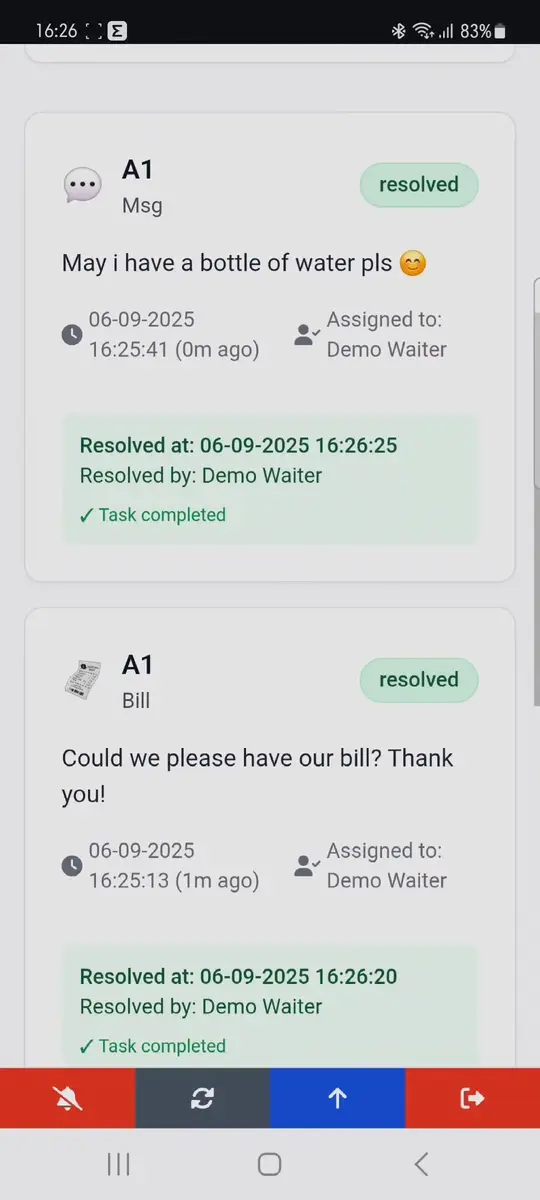
Live Dashboard Preview
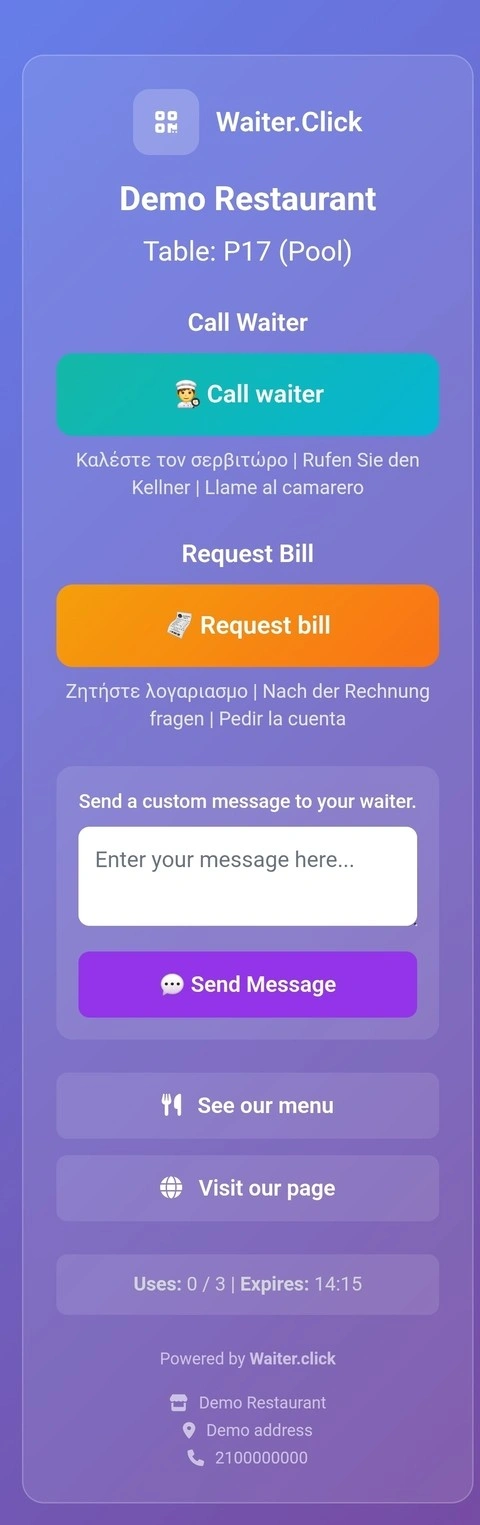
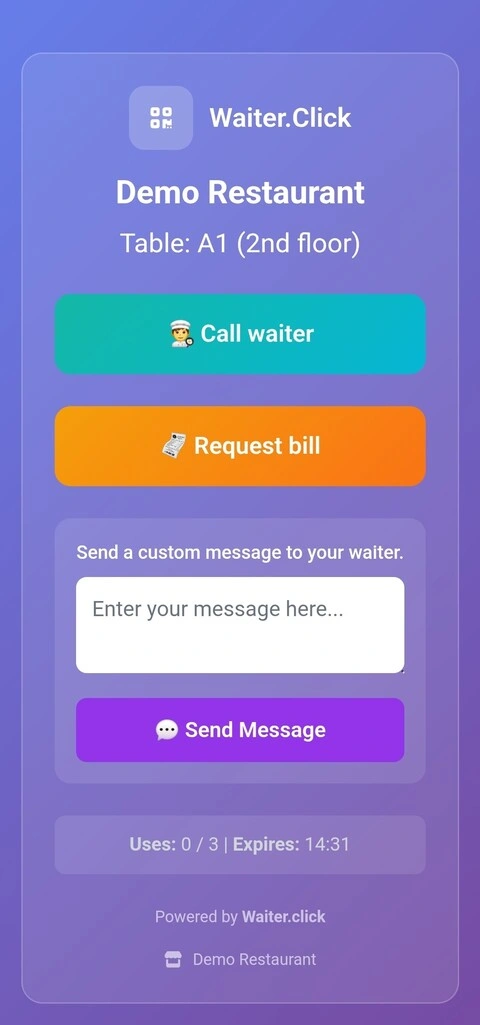
Customize your customer page
Change, translate, or remove any phrase — or keep it simple for customers.
Transform your restaurant service with QR code-powered communication. Let customers instantly connect with staff for seamless dining experiences.
Streamline your restaurant operations with our cutting-edge QR code communication system
Customers simply scan table QR codes to instantly connect with your staff. No app downloads required!
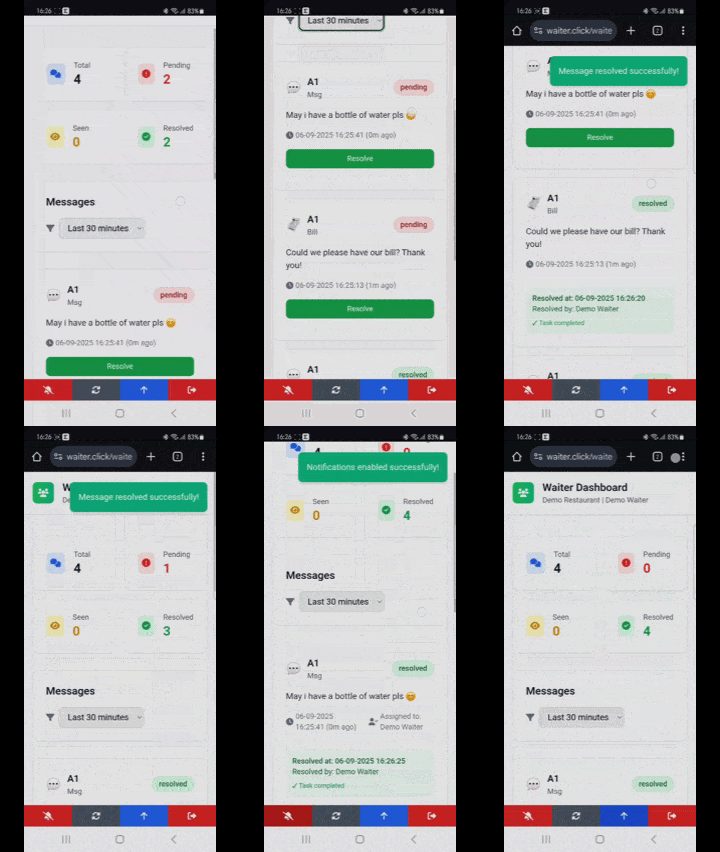
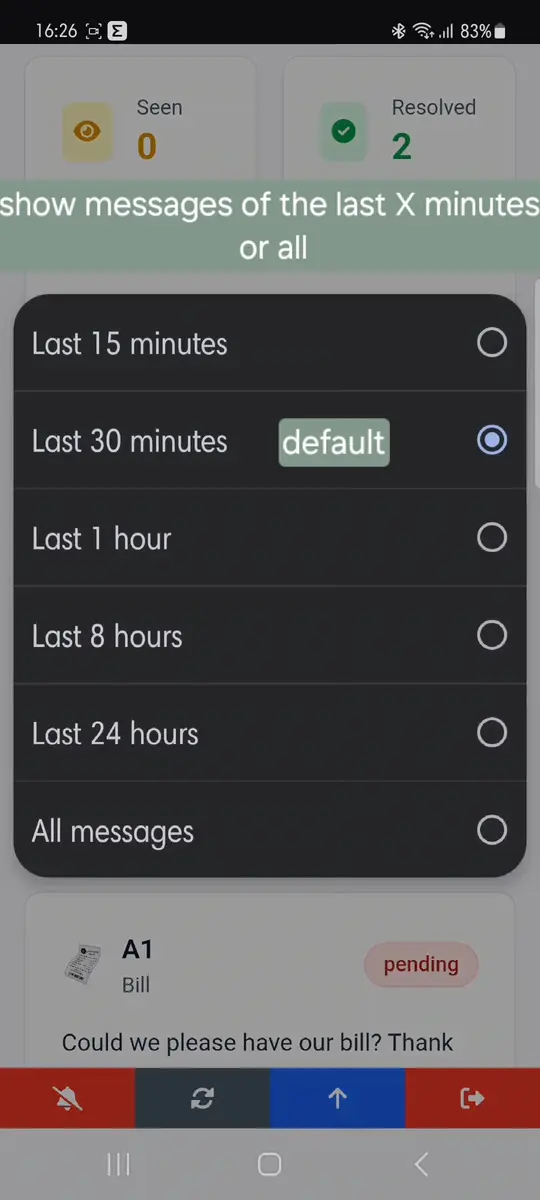
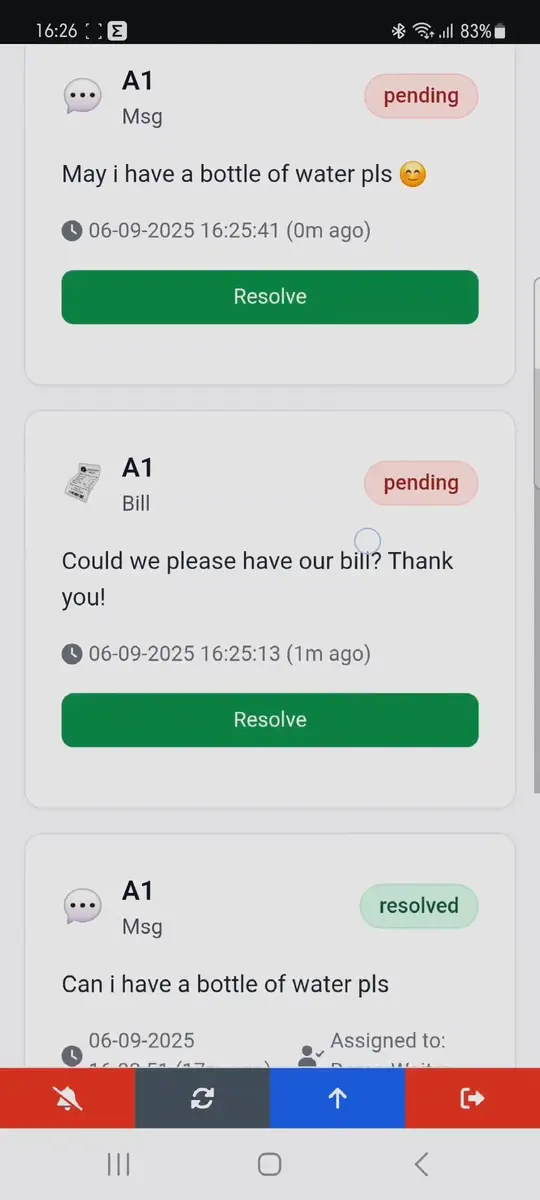
Real-time messaging between customers and staff. Get requests instantly on your dashboard.
Track response times, customer satisfaction, and optimize your service with detailed insights.
Perfectly optimized for smartphones. Works seamlessly on any device, anywhere.
End-to-end encryption and privacy protection. Your customer data is always safe.
Support for multiple languages including English, Greek, German, and Spanish.
Simple, fast, and effective communication in just three steps
Customer scans the QR code on their table using their phone camera
They can call waiter, request bill, or send custom messages instantly
Your staff receives the request immediately and can respond quickly
Change, translate, or remove any phrase — or keep it simple for customers.
Quick answers to the most common questions about Waiter.click QR code waiter calling system
Yes — Waiter.click is completely free forever, with no hidden fees, no credit card required, and no usage limits. 100% working, always. We believe great service tools should be accessible to every restaurant, big or small.
No — we've built in smart limits to keep things balanced. Each customer can only send up to 3 requests within any 5-minute window. This prevents accidental spam or overuse while still allowing fast service when genuinely needed. Your waiters stay focused, not overwhelmed.
No — customers never need to download an app. They simply scan the QR code on the table with their phone's camera (just like scanning a WiFi QR). It opens instantly in their browser. No installation, no login, no hassle.
No apps required for anyone. Waiters and admins access their dashboards directly through any web browser on phone, tablet, or computer. Just log in — everything works seamlessly on the web, mobile-first and super fast.
Notifications arrive in seconds — usually under 2–3 seconds after the customer submits the request. Real-time updates appear on your dashboard with sound alerts (optional) so nothing gets missed, even during busy shifts.
Yes — the customer interface comes pre-translated and ready in four languages: English, Greek, German, and Spanish.
Even better: as an admin, you have full control to customize every single request field (e.g., "Call Waiter", "Ask for the Bill", "Extra Napkins", etc.). You can:
This makes Waiter.click extremely flexible for restaurants in tourist areas, international chains, or multicultural cities — ensuring every guest can communicate exactly what they need, in their preferred way.
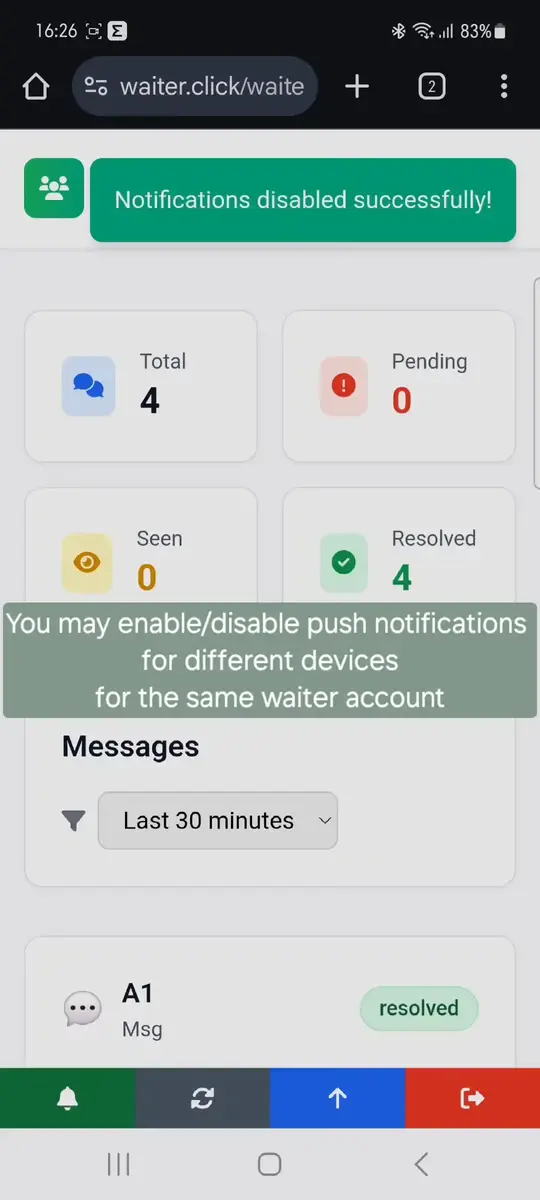
Yes — each waiter account supports notifications across multiple devices simultaneously. This gives you flexible options to fit your restaurant's workflow:
Option 1: Individual accounts per waiter
Option 2: Single shared account for the whole team
Both options work on any device (iPhone, Android, tablets) via browser — no apps needed. Notifications include sound/vibration + on-screen badges, so nothing gets missed during peak hours. As admin, you control who gets access and can disable any device anytime.
Pro tip for Greek tavernas: Use the shared account during summer tourist rush — all waiters see every "Παρακαλώ Γκαρσόν" request instantly!
Choose your role to access the appropriate dashboard
Scan QR codes at tables to communicate with restaurant staff
Join thousands of restaurants and cafes already using Waiter.Click to improve their customer service
Start now